AI can do a lot. With brAInbase, you decide which information it uses.
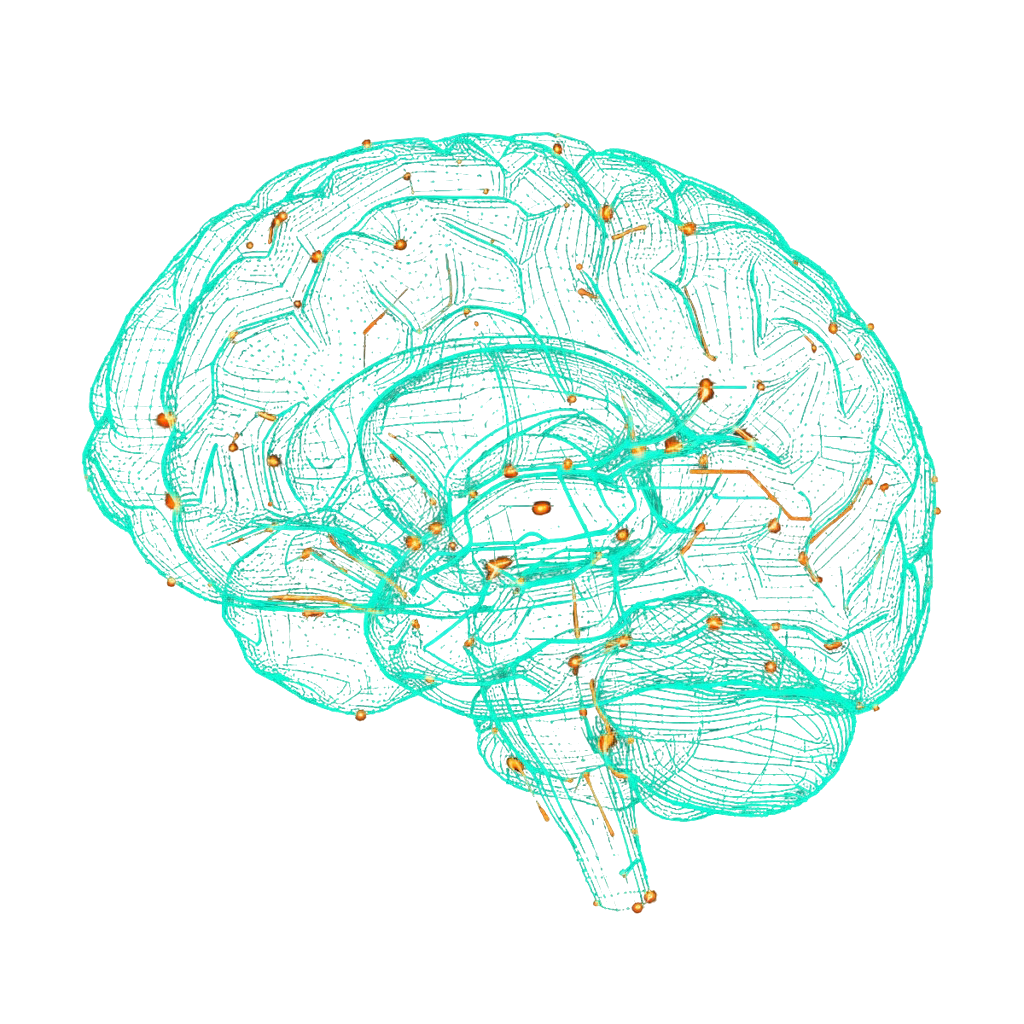
brAInbase was developed by us in Germany. With brAInbase, AI applications gain controlled access to your company content and can provide relevant results for specific tasks. We place great importance on implementing the integration into your architecture as quickly, simply and securely as possible.
 Connect document repositories
Prepare content in context
Keep knowledge collections up to date
Retrieve knowledge for specific tasks
Develop and review results
Use across multiple applications
1. Connect document repositories
Relevant information is often spread across an organisation, for example in SharePoint libraries, file repositories and other internal systems. You select the sources that matter for a particular subject area. brAInbase connects the approved repositories and brings together relevant content for later use.
The original documents remain in their existing systems and are maintained there as usual. This avoids creating a second document collection for the AI application that would need to be maintained manually.
2. Prepare content in context
The meaning of information depends on where it appears and which document it comes from. brAInbase organises chapters, headings, paragraphs, lists and tables into meaningful sections, and supplements them with metadata and source references.
This allows an AI application to take account not only of an individual sentence, but also of its subject-matter context. Recognisable headings and layout features are also taken into account in PDFs without bookmarks. How much of the structure can be identified depends on the document.
3. Keep knowledge collections up to date
The prepared sections are made ready for content search and stored in separate knowledge collections. New, changed and deleted content is reconciled with the sources during synchronisation.
This also keeps relationships and source references up to date. Subject-matter experts continue to update their original documents, while brAInbase keeps the resulting knowledge collections up to date.
4. Retrieve knowledge for specific tasks
Through the brAInbaseinterface, metadata filters, full-text search and semantic search can be combined. This helps the application find content that is relevant to the specific task and its meaning.
The knowledge collections that each application is allowed to search are defined for that application. This means each AI application receives only the context approved for its area of responsibility.
5. Develop and review results
brAInbase provides the context relevant to the specific task, with references to sources. The connected AI application processes this content, for example, into an answer, a draft or a structured basis for work.
Source information shows which documents and sections were used. This makes the statements traceable to the original. Subject-matter assessment, approval and decisions remain with the people responsible.
6. Use across multiple applications
Prepared document collections can be used by multiple AI applications connected to them. A shared knowledge base can therefore support different tasks without having to prepare the distributed documents again for each application.
The applications only access the knowledge collections approved for them. This gives each application the context suited to its task, while preserving sources and subject-matter traceability.
Areas of application
Six example use cases for using brAInbase in your organisation.
We show you how brAInbase distributed company information can be made accessible for specific tasks. Select a use case to see the scenario and the potential value.
When a product changes
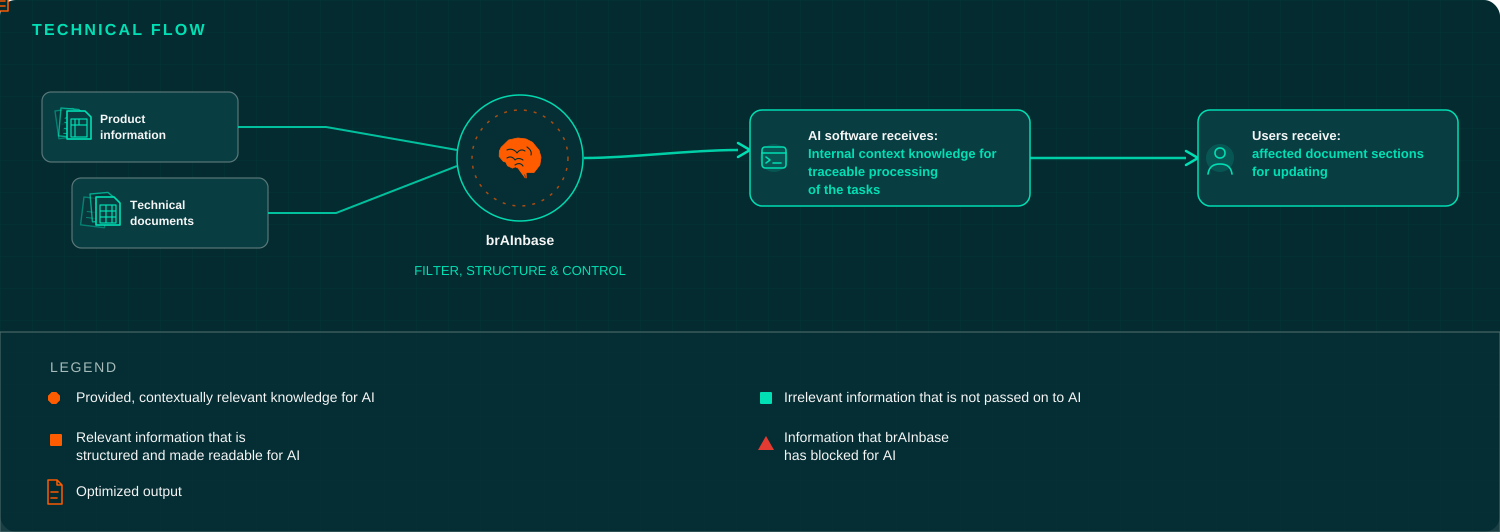
The scenario: A technical change affects specifications, manuals, assembly instructions and training materials. brAInbase organises the documents into meaningful sections and helps the AI assistant bring together relevant content and its sources.
The benefit: Editorial, development and quality assurance teams can coordinate updates more effectively and avoid having to search for relevant passages in documents one by one.
Measurable in the pilot: Time taken to find affected sections, number of relevant passages found and review cycles.
Make use of existing knowledge
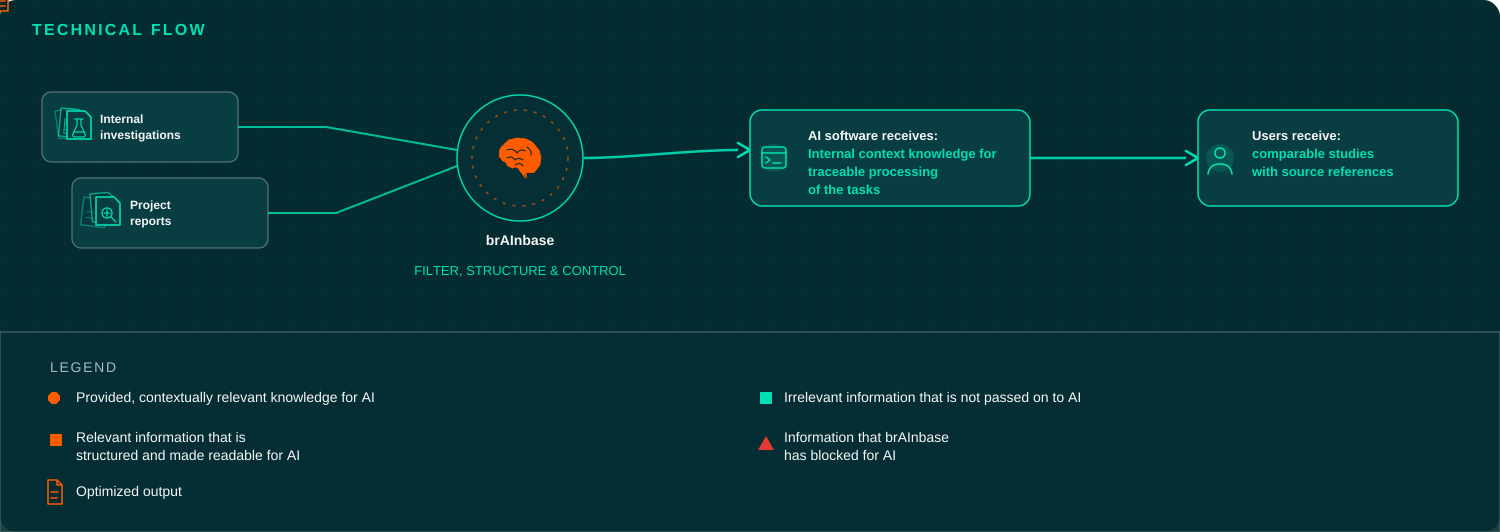
The scenario: A development team at a large company is planning a new experiment. Comparable studies are held in project folders, departments and different internal systems. brAInbase brings together relevant content in context for the AI assistant.
The benefit: The team can see more quickly what has already been investigated, which methods were used and where new knowledge is being generated.
Measurable in the pilot: Research time, comparable studies found, source quality and duplicate work avoided.
Prepare the right answer more quickly
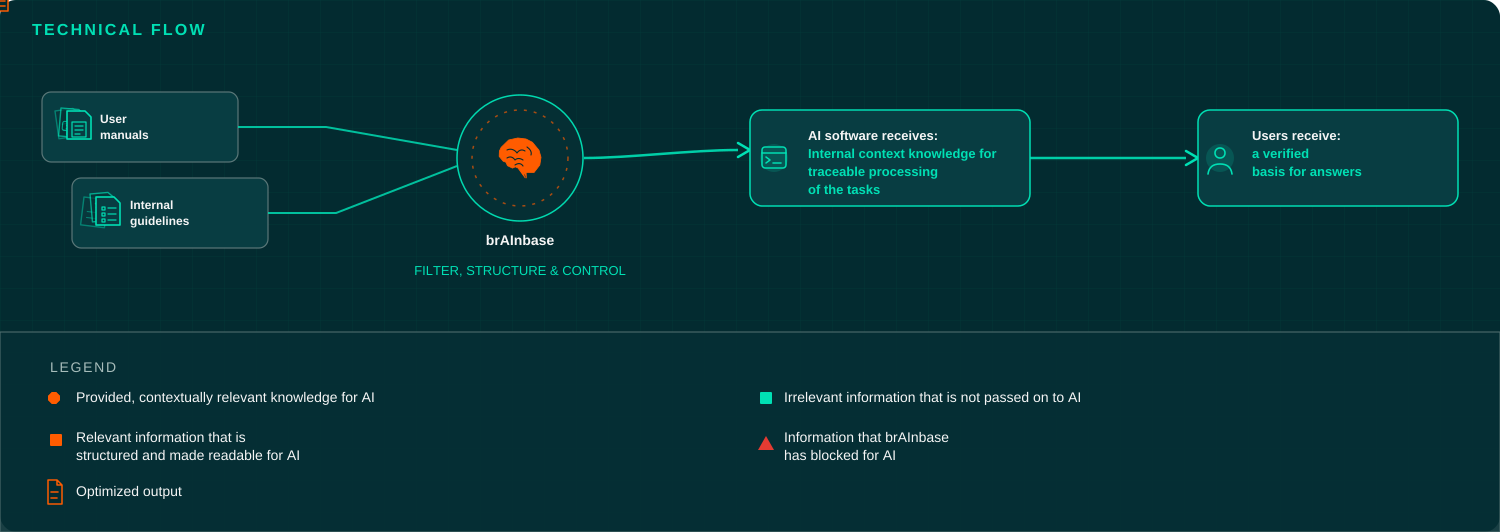
The scenario: A support employee receives a question about a product. The answer is not in a single document, but is spread across manuals, technical documents and internal guidelines. brAInbase provides relevant content with references to its sources.
The benefit: The employee gets a reliable basis for preparing a response, can review the information used and tailor the answer to the customer more quickly.
Measurable in the pilot: Response preparation time, correction effort, follow-up questions and number of cases handled.
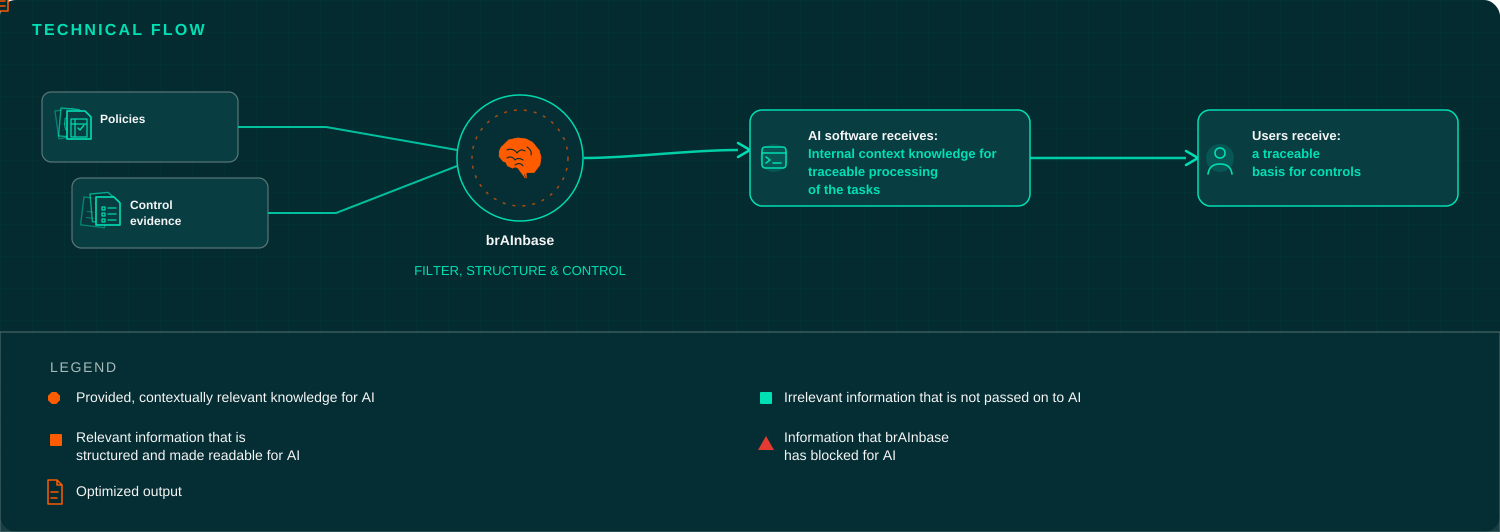
Bring guidelines and evidence together
The scenario: A company is preparing for an internal review. Policies, process descriptions, control evidence and previous findings are held in different departments. brAInbase makes approved knowledge collections available for targeted searches.
The benefit: Those responsible get a structured overview more quickly and can trace statements back to their original sources.
Measurable in the pilot: Time taken to find relevant evidence, completeness of results and number of follow-up questions.
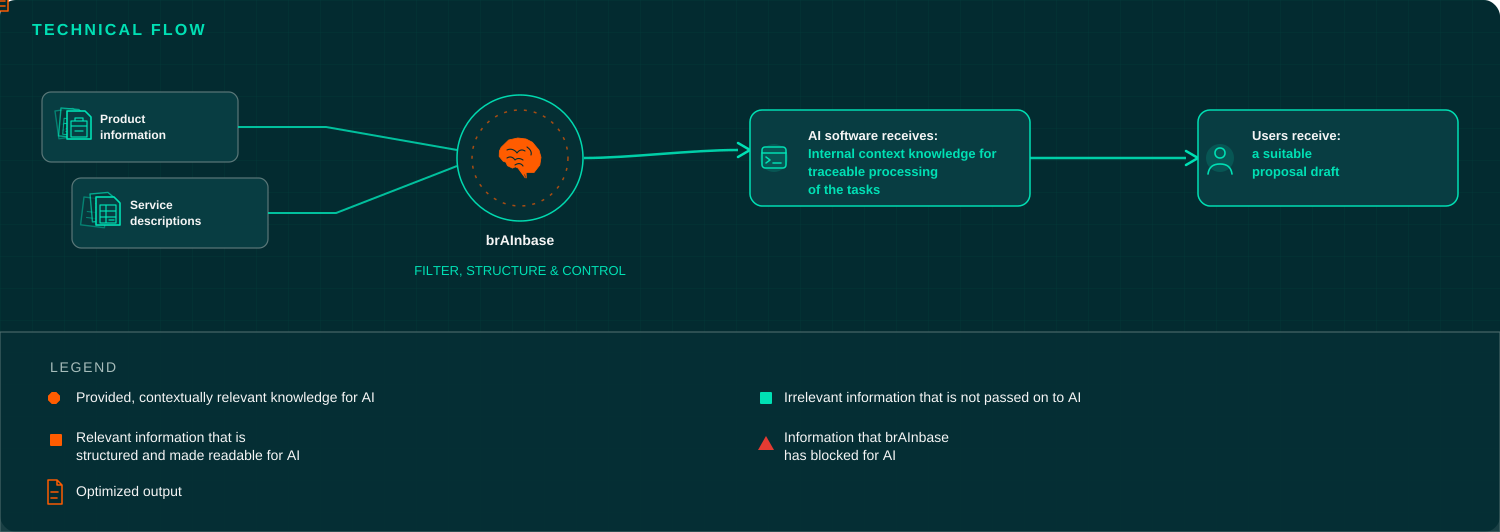
Use approved content for proposals
The scenario: A sales team is preparing a proposal. Product information, service descriptions and technical details are held by different departments. brAInbase brings together approved content for the AI assistant and keeps the sources traceable.
The benefit: Sales staff can access up-to-date, agreed content more quickly. Existing knowledge can be reused across multiple proposals and applications.
Measurable in the pilot: Preparation time, reusable content components, internal queries and review cycles.
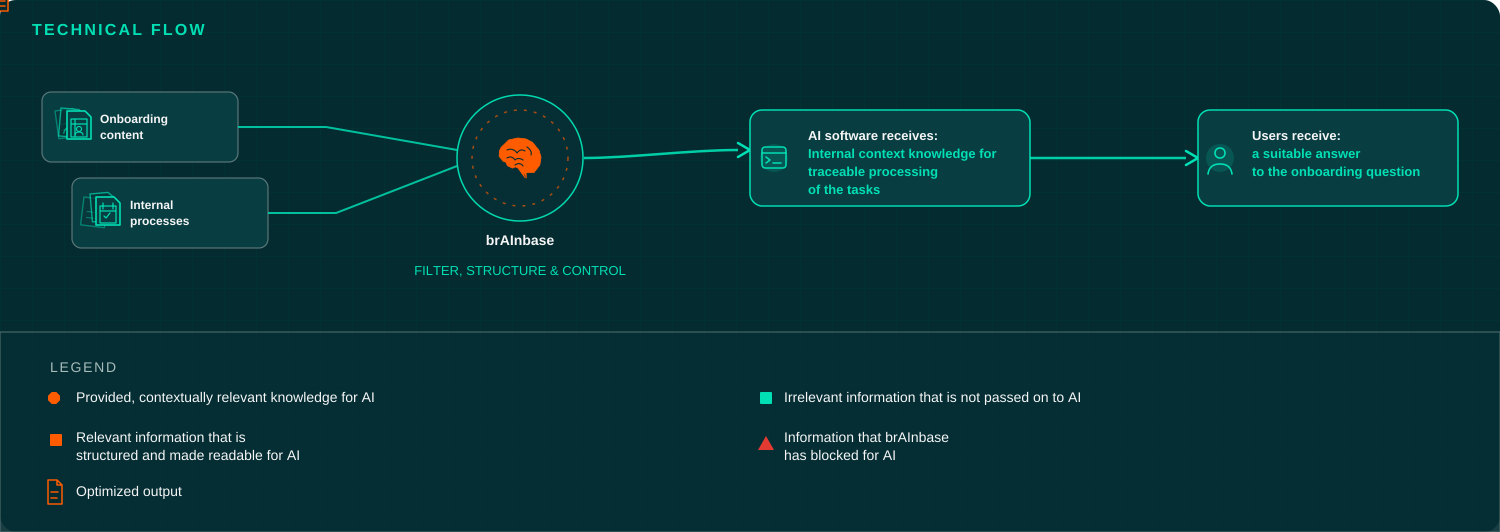
Give employees targeted access to knowledge
The scenario: New employees look for information about working hours, IT access and internal processes. This content is held in HR documents, process descriptions and different repositories. With brAInbase the knowledge collections that the assistant is allowed to use are defined.
The benefit: Employees find important answers more quickly. At the same time, general onboarding content remains separate from confidential personnel information.
Measurable in the pilot: Response time, standard questions supported, HR queries and use of separate knowledge areas.
Questions & answers
What you should know before getting started.
Do we need to reformat our documents beforehand?
Manual document chunking for AI is not required. brAInbase processes existing machine-readable documents. We review scans, complex tables and unusual formats in advance using sample documents.
Does brAInbase also work without SharePoint?
Yes. In addition to SharePoint, configured file repositories on local drives or drives accessible over the network can be connected. Other source systems are added as needed and subject to technical review.
Which AI applications can be connected?
For an initial implementation, Langdock is intended as the platform for agents. brAInbase provides knowledge through its own interface. Further integrations are assessed technically for each project.
How are costs and effort determined?
We clarify the sources, document collections, operating environment and tasks for the agents. Based on this, we propose the scope and costs for software, setup and, where applicable, support.